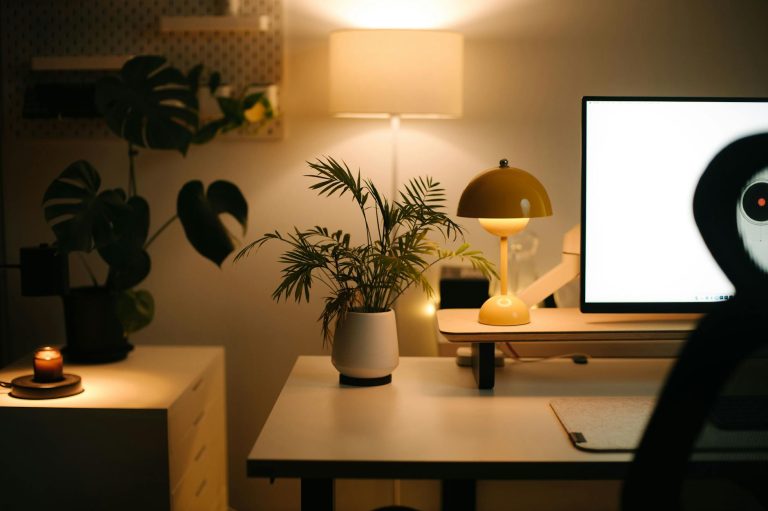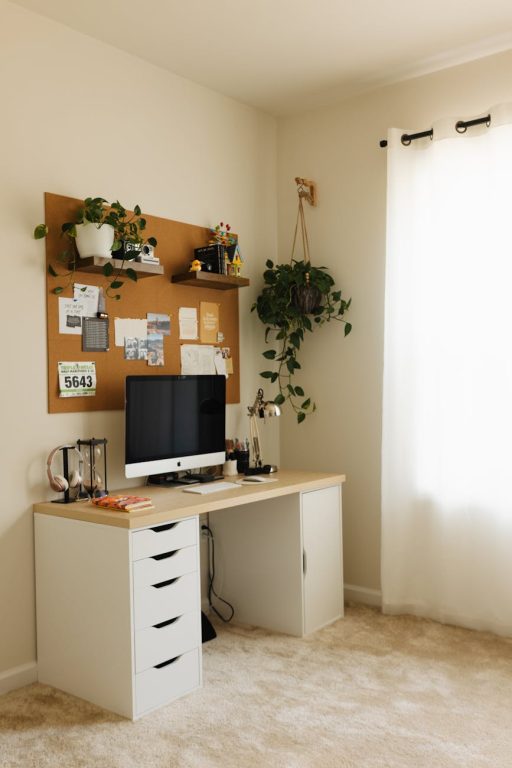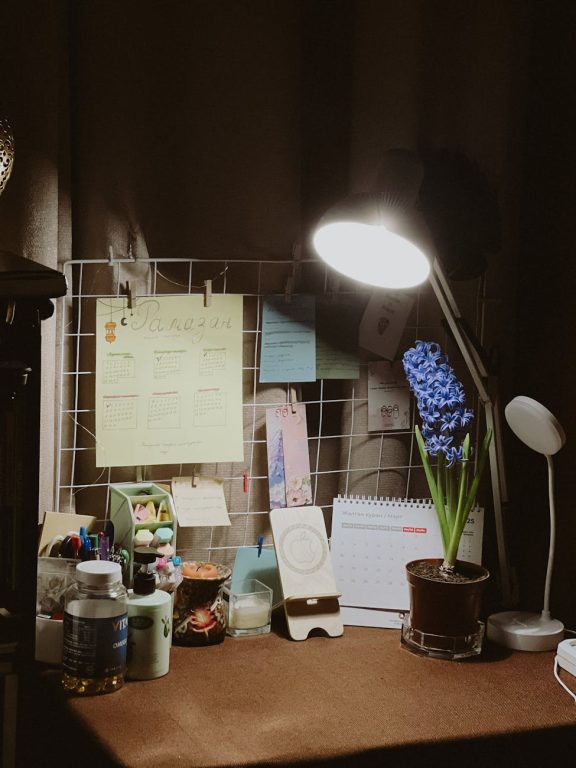
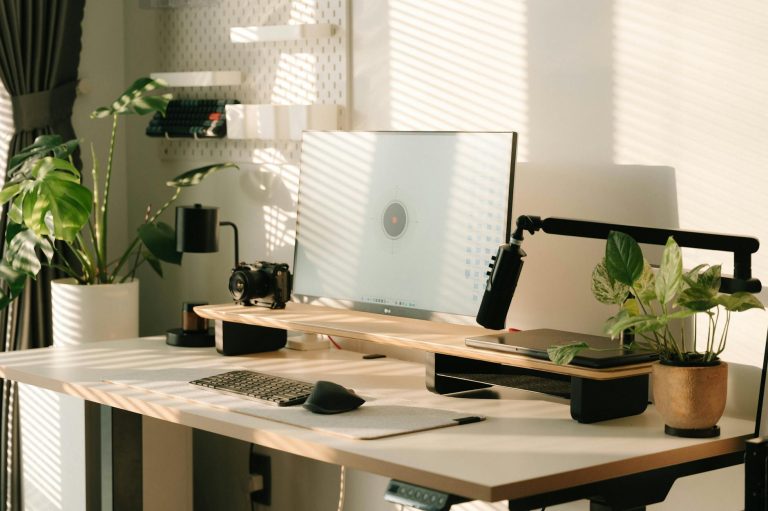
Creating a productive home workspace is essential for anyone working or studying from home. A well-designed area can help you focus, reduce stress, and improve your overall work performance. Whether you are setting up a dedicated office room or just a small corner at home, the right environment can make a significant difference. In this post, we share practical tips to help you create a productive workspace that suits your needs.
Choose the Right Location
The first step in setting up a productive home workspace is selecting the best location. Ideally, pick a spot that is quiet, has good natural light, and minimal distractions. Here are some ideas:
– A spare room or guest bedroom that can be dedicated to work.
– A corner in your living room or bedroom with enough space for your desk and chair.
– Near a window to enjoy daylight and fresh air, which can boost mood and alertness.
Avoid places with a lot of foot traffic or noise where distractions might interrupt your focus.
Invest in Comfortable and Functional Furniture
Your furniture choices have a big impact on your productivity and comfort. Because you’ll likely spend several hours seated, investing in ergonomic options is key.
– Desk: Choose a desk with enough surface area for your computer, notebooks, and supplies. Adjustable desks that allow standing and sitting are an excellent option.
– Chair: Get an ergonomic chair that supports your back and encourages good posture.
– Storage: Use shelves, filing cabinets, or drawer units to keep your documents and tools organized and within reach.
Comfortable furniture can reduce physical strain and help maintain your energy levels throughout the day.
Organize Your Workspace Efficiently
A cluttered workspace can be distracting and make it difficult to focus. Keeping your workspace neat and organized is essential.
– Use trays, organizers, or containers to sort supplies like pens, paperclips, and chargers.
– Prioritize items used daily and keep them within easy reach.
– Clear out unnecessary items regularly to maintain a clean space.
– Use cable management solutions to reduce tangled wires and create a tidy look.
An organized workspace helps save time and reduces stress by making it easier to find what you need.
Optimize Lighting and Reduce Eye Strain
Proper lighting is vital for productivity and eye health. Poor lighting can cause headaches and tired eyes.
– Position your desk near a window to get natural light.
– Use adjustable desk lamps with warm or neutral light to brighten your workspace without glare.
– Consider anti-glare screen protectors or adjust monitor brightness settings.
– Take regular breaks to look away from screens and rest your eyes.
Good lighting enhances your mood and concentration, making work sessions more comfortable.
Minimize Distractions
Distractions can interrupt your flow and reduce work quality. Taking steps to minimize them helps maintain focus.
– Silence non-work-related notifications on your phone or computer.
– Use noise-cancelling headphones or play background music if it helps you concentrate.
– Set boundaries with family members or roommates about your work hours.
– Keep only work-related materials on your desk during work time.
Creating an environment conducive to concentration supports productivity and task completion.
Personalize Your Space Thoughtfully
Adding personal touches to your workspace can make it more inviting and motivating, but avoid clutter.
– Include a few items that inspire you, such as photos, plants, or artwork.
– Choose colors and decor that create a calm, positive atmosphere.
– Add a small plant or two to improve air quality and add a natural feel.
– Keep personal items limited to ensure the space remains professional and focused.
A workspace that feels welcoming can encourage you to spend time there and enjoy your work.
Establish a Routine and Set Boundaries
A productive workspace is not just about the physical environment but also how you use it.
– Set regular start and end times for your workday.
– Take scheduled breaks to stretch, hydrate, and refresh your mind.
– Use your workspace only for work, if possible, to mentally separate work from leisure.
– Plan your tasks and prioritize to keep on track throughout the day.
Consistent routines and clear boundaries help boost efficiency and work-life balance.
Use Technology to Your Advantage
Technology can help streamline your workflow and keep you organized.
– Use calendar apps to schedule meetings and deadlines.
– Try productivity apps to manage tasks and stay focused.
– Invest in a reliable internet connection and adequate computer equipment.
– Backup your work regularly to prevent data loss.
Regularly updating your tools ensures a smooth and productive work experience.
—
Creating a productive home workspace takes some planning and effort, but the benefits are worth it. By choosing the right location, organizing efficiently, minimizing distractions, and maintaining a routine, you can build a space that supports your work goals and well-being. Start with small changes, and gradually tailor your setup so it works best for you. Happy working from home!
About the Author