Creating a cozy and productive home workspace is essential for anyone working or studying from home. A well-designed area can improve focus, inspire creativity, and reduce stress. Whether you have a dedicated room or just a corner in your living space, making it both comfortable and efficient is possible. Here are some helpful tips to design the perfect home workspace.
Choose the Right Location
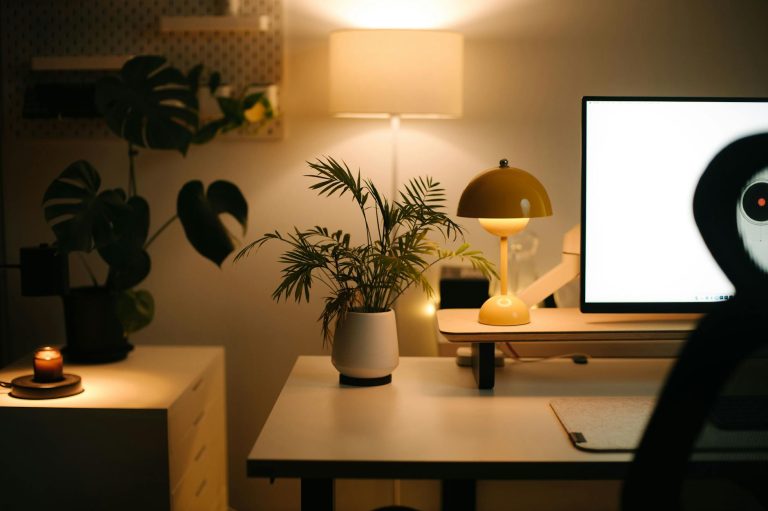
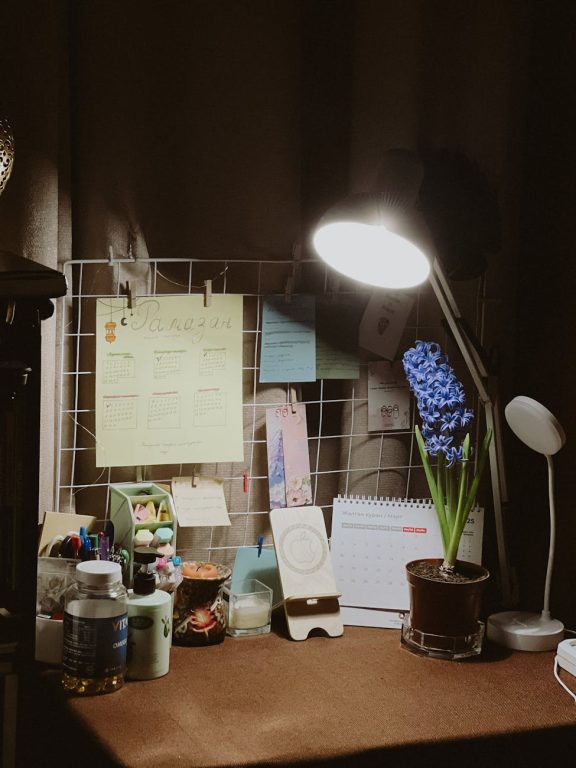
The first step is picking an ideal spot for your workspace. Ideally, it should be a quiet area with minimal distractions. Natural light is a big plus, as it helps keep you energized and reduces eye strain. If natural light is limited, invest in a good quality desk lamp with soft white lighting.
Consider areas like a spare room, a section of the living room, or even a nook in your bedroom. If space is limited, corner desks or wall-mounted foldaway desks can maximize functionality.
Prioritize Ergonomics
Comfort is key for long hours of work. An ergonomic setup helps prevent aches and promotes better posture.
– Desk and Chair: Choose a desk at a height where your arms rest comfortably with elbows at about 90 degrees. Use an adjustable chair that supports your lower back.
– Monitor Position: The top of your monitor should be at or just below eye level, about 20 inches away from your face.
– Keyboard and Mouse: Keep these at wrist level to avoid strain.
– Footrest: If your feet don’t touch the floor comfortably, a footrest can improve circulation.
Organize with Purpose
A clutter-free workspace helps maintain focus and reduces stress. Use organizers, shelves, or drawers to keep notebooks, stationery, and electronics in place.
– Invest in cable organizers to manage cords and avoid tangled mess.
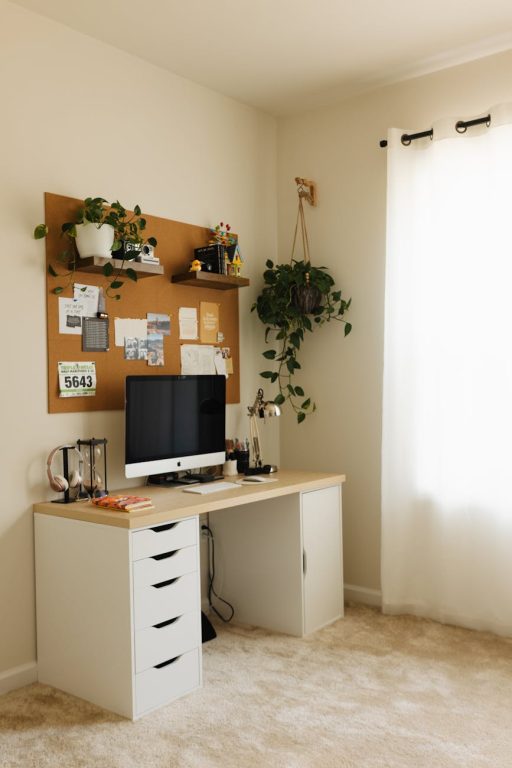
– Use vertical space by adding shelves or pegboards above your desk.
– Designate areas for different items to ensure everything has a home.
Add Personal Comfort Elements
Incorporate elements that make your workspace feel inviting and calming.
– Plants: Indoor plants improve air quality and add a touch of nature.
– Soft Textiles: A comfortable chair cushion or a cozy throw blanket can make the environment warmer.
– Artwork or Photos: Visual elements that inspire or relax you add personality.
Minimize Distractions
Create boundaries to keep your work zone focused.
– Use noise-canceling headphones if ambient noise is an issue.
– Set clear work hours, especially if sharing space with family members.
– Keep your phone on silent or in another room to reduce interruptions.
Optimize Lighting
Good lighting reduces eye strain and improves productivity.
– Position your desk near a window if possible.
– Use adjustable artificial lighting for overcast days or late hours.
– Avoid screen glare by placing monitors away from direct light sources.
Technology Setup
Equip your workspace with the right technology to boost efficiency.
– Ensure you have a reliable internet connection.
– Invest in a quality keyboard and mouse for comfort.
– Use a second monitor if your work requires multitasking.
– Keep essential devices charged and within reach.
Keep It Clean and Refresh Often
Regularly clean your workspace to maintain a healthy, inviting area.
– Dust and wipe surfaces weekly.
– Declutter at the end of each workday to start fresh tomorrow.
– Air out the room frequently for better air quality.
Establish a Routine
Your environment supports habits, so create a routine to signal work time.
– Start your day with a consistent ritual, such as making coffee or reviewing your to-do list.
– Take scheduled breaks to stretch and refresh your mind.
– End the day by tidying your space to separate work from personal life.
Final Thoughts
Designing a cozy and productive home workspace doesn’t require a lot of space or fancy equipment. With thoughtful planning and simple adjustments, you can create an environment that encourages focus, comfort, and creativity. Start small, listen to your needs, and tweak your setup over time for the best results. A positive workspace is an investment in both your wellbeing and your success.
About the Author