
Creating a clutter-free and functional workspace at home can significantly improve your focus and productivity. Whether you work remotely full-time or occasionally, having an organized area dedicated to work helps establish clear boundaries and promotes efficiency. Here are some simple tips to help you design a workspace that’s both neat and practical.
Why a Clutter-Free Workspace Matters
A tidy environment reduces distractions and stress. When your desk and surrounding area are organized, you can quickly find what you need and keep your mind focused on the task at hand. Clutter tends to accumulate over time, so creating habits to regularly manage your space goes a long way toward maintaining order.
Choosing the Right Location
Find a Quiet, Dedicated Spot
Ideally, your workspace should be separate from your relaxation areas to help mentally separate work from leisure. If you don’t have a spare room, choose a corner with minimal foot traffic and noise.
Consider Lighting and Comfort
Natural light boosts mood and alertness, so position your desk near a window if possible. Invest in a comfortable chair and keep your monitor at eye level to avoid strain.
Decluttering Your Desk
Keep Essentials Only
Limit the items on your desk to what you use daily: your computer, notebook, pens, and phone charger. Store rarely used items elsewhere to keep the surface clear.
Use Organizers and Containers
Desk organizers, trays, or small boxes can keep supplies like paper clips, sticky notes, and pens neatly arranged. Label containers if needed for easy access.
Smart Storage Solutions
Utilize Vertical Space
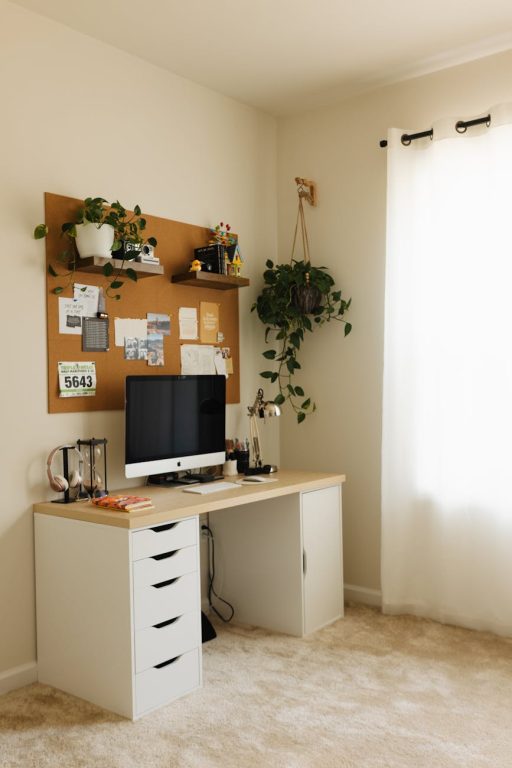
Install shelves or pegboards on the wall above your desk to hold books, files, or decorative items without taking up desk space.
Drawer Dividers
Use dividers in desk drawers to separate items and prevent them from mixing together, making it easier to find what you need quickly.
Cable Management
Tangled cords create visual clutter and can be frustrating. Use cable clips, sleeves, or ties to bundle wires neatly and keep them off your desk. Consider wireless peripherals if possible.
Digital Organization
Optimize Your Computer Desktop
Keep your digital workspace organized too. Create folders for different projects and regularly delete unnecessary files.
Use Cloud Storage
Storing files in the cloud can free up computer space and allow access from other devices.
Setting Up a Routine
Daily Tidying
Spend a few minutes at the end of each day putting items back in place and clearing your desk. This habit prevents clutter buildup.
Weekly Deep Clean
Once a week, take more time to wipe down surfaces, sort through paperwork, and reorganize as needed.
Personalize Thoughtfully
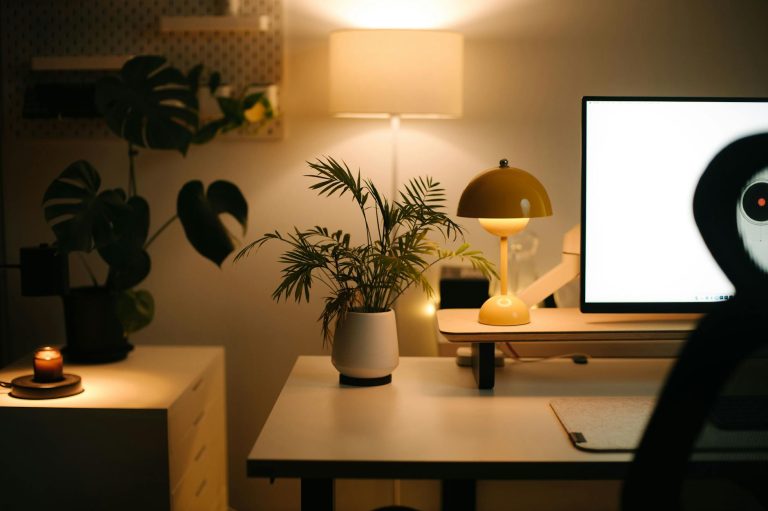
Adding a few personal touches such as plants, photos, or art can make your workspace inviting and motivating. However, keep decor minimal to avoid distractions.
Making It Functional
Plan Your Workflow
Arrange your workspace so frequently used items are within easy reach. Position your chair and keyboard to encourage good posture.
Use a Whiteboard or Planner
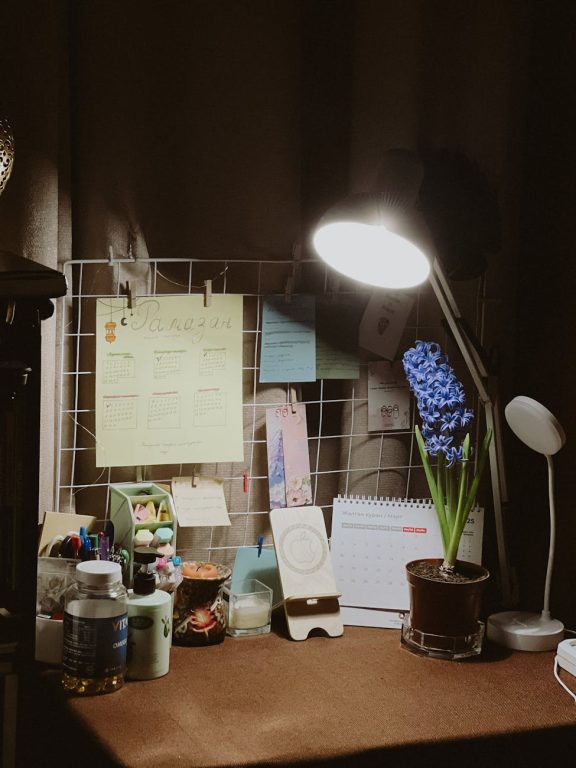
Having a visible to-do list helps keep tasks organized and priorities clear.
Final Thoughts
Organizing your home workspace doesn’t have to be overwhelming. By choosing the right location, decluttering regularly, managing cables, and designing a setup that suits your work style, you’ll create an environment that fosters productivity and reduces stress. Start with small changes and enjoy the benefits of a clutter-free, functional workspace every day.
About the Author